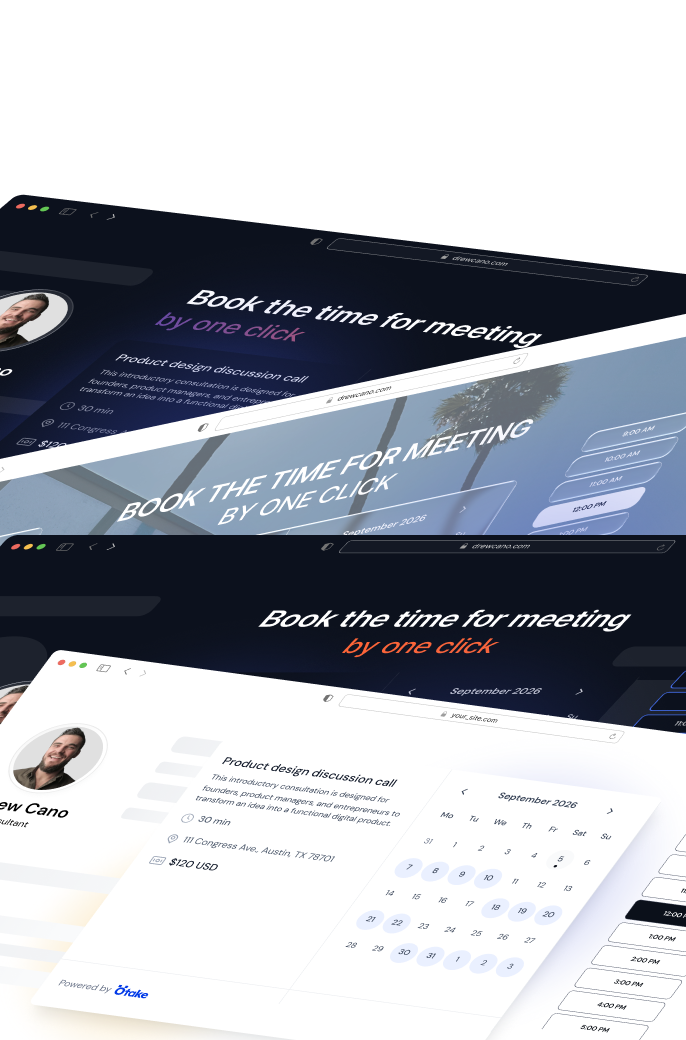
Embedded Booking

Get booked right on your website.

Fewer clicks, faster bookings. Embed your Otake calendar on any site - clients pick a time and pay without ever leaving your page.
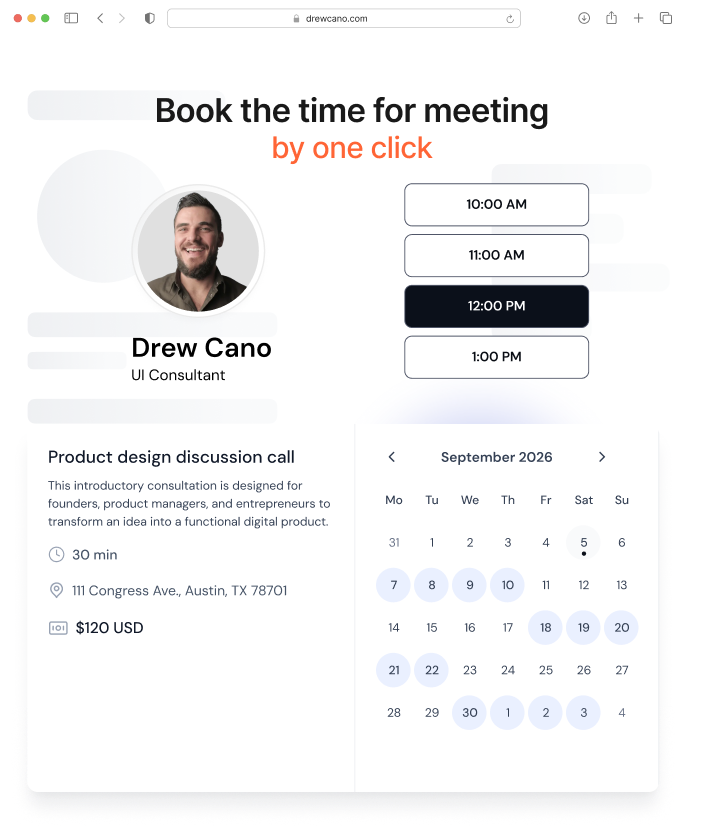
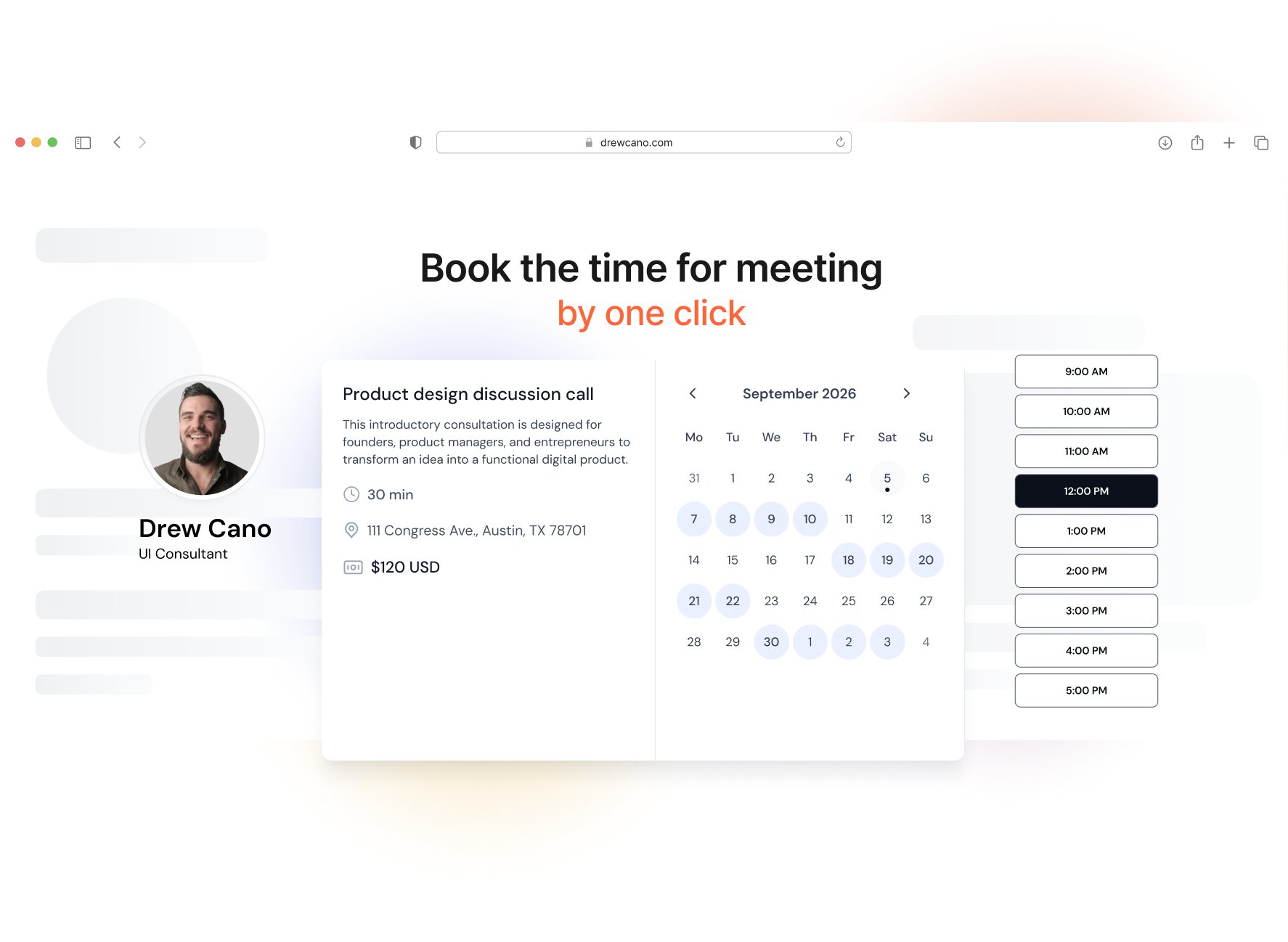
Embedded booking calendar preview

Turn website visitors into booked clients.

Choose how your booking calendar appears on your site. Customise it to fit your layout and brand.
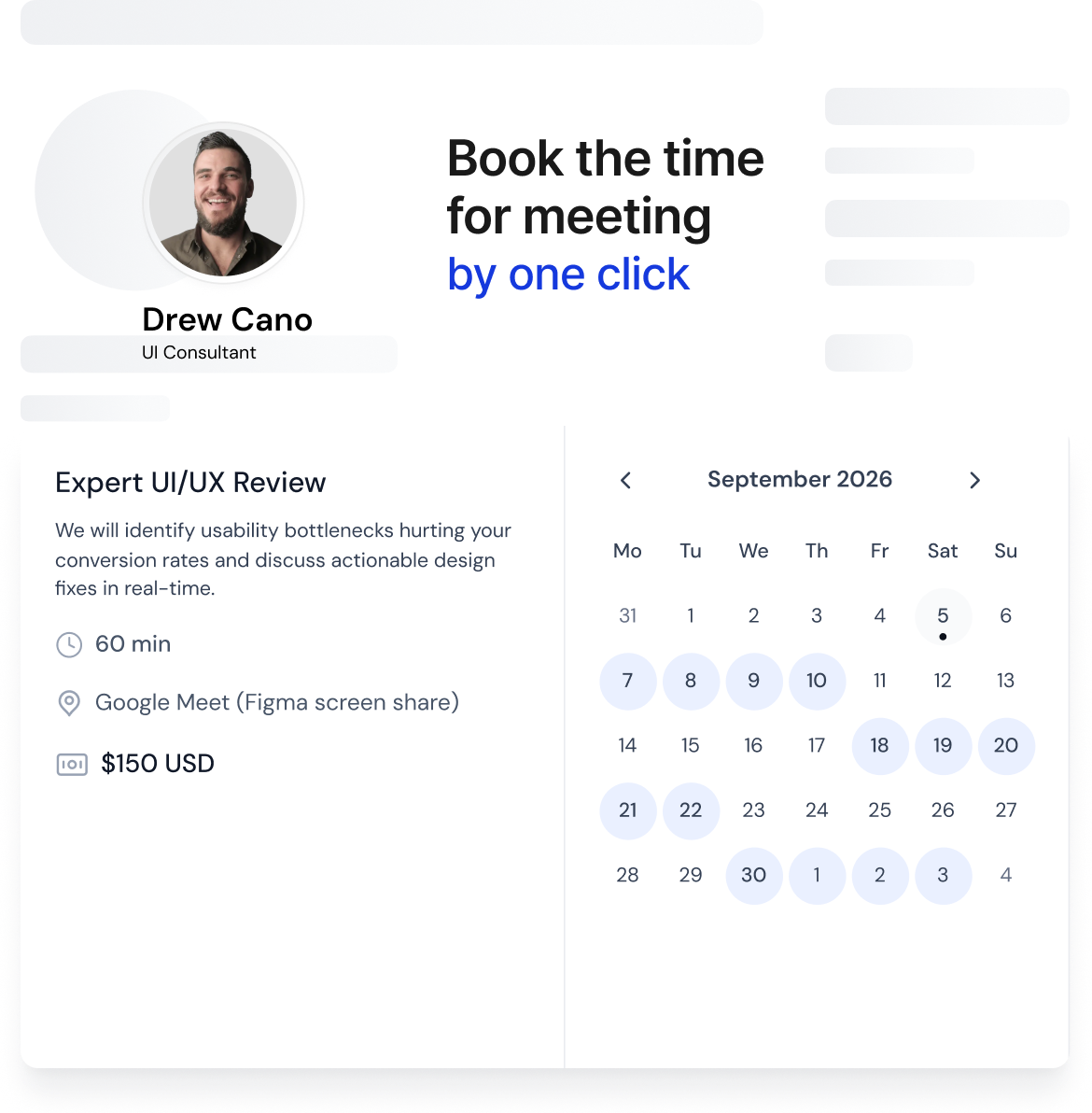
The calendar lives directly on the page - always visible, no clicks needed. Best for dedicated booking pages or service pages.
Book a meeting calendar preview

Adjust before you copy. Never touch it again.

Set the width, height, and color theme directly in the embed editor.

Width

A clean, professional booking page that lives on your Otake profile. Your clients only pick a time and pay - without you doing anything.

Width
Auto

Paste it into any website. It just works.

One HTML snippet. Drop it into your website builder, landing page, or custom site - your booking calendar appears immediately.

Webflow
WordPress
Wix
Framer
Squarespace
Tilda
Ghost
Ghost
Any custom HTML site

The full booking flow. Right on your page.

Clients see your available slots in their local timezone, choose a time, fill in their details, and pay - without leaving your site.
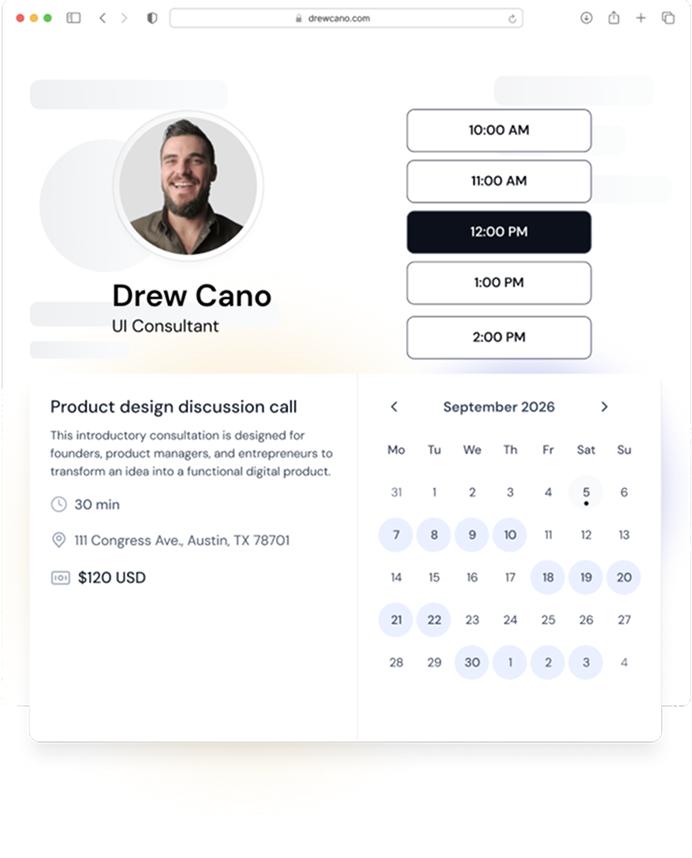
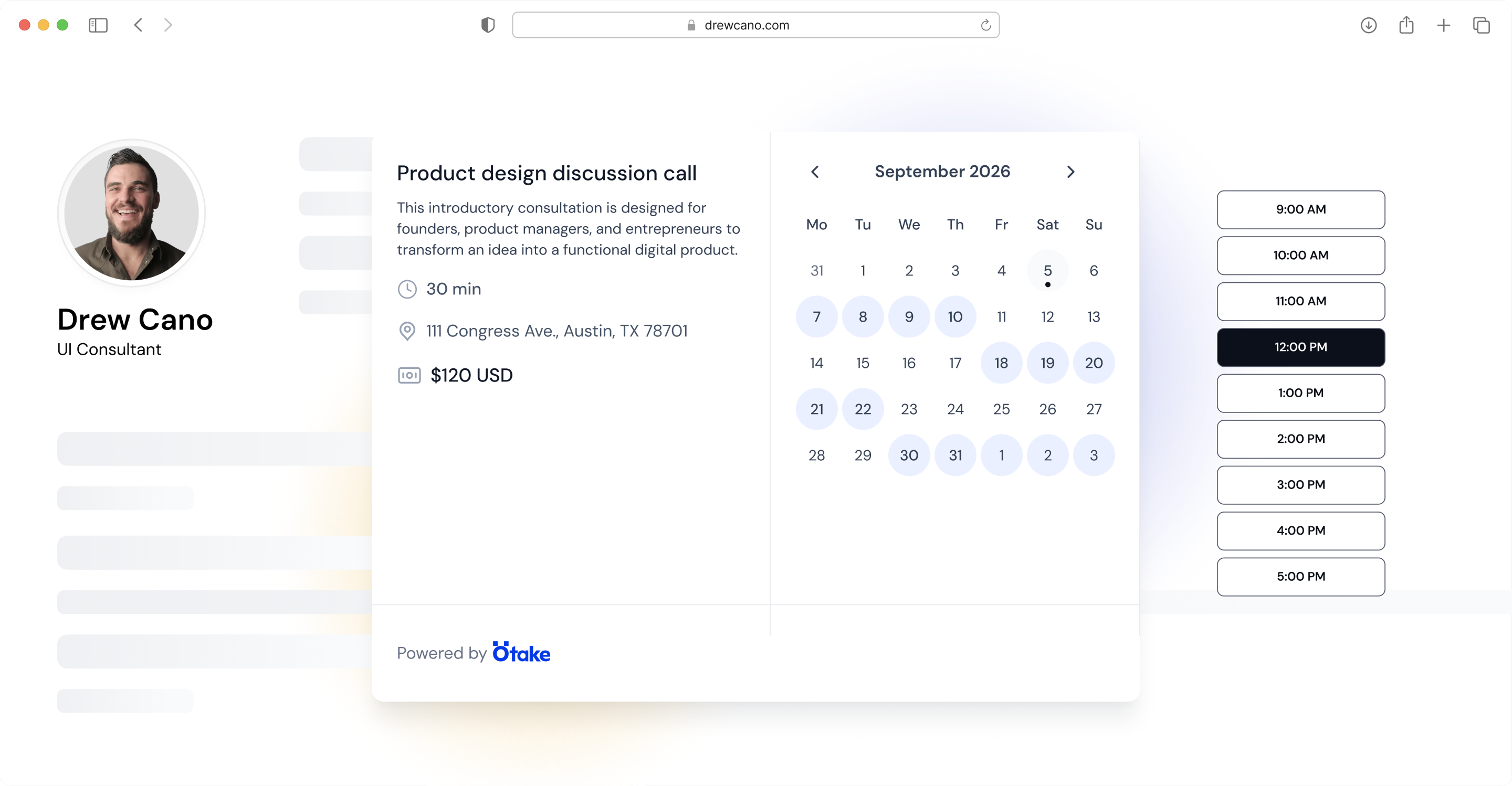
Embedded booking flow: calendar, time slots and payment on a client websiteEmbedded booking flow: calendar, time slots and payment on a client website

“I dropped the embed code into my Webflow site in two minutes. My clients now book and pay without leaving the page - I don't touch the calendar anymore, it just runs.”

Mike JonsConsultant, Otake user

Who It's For

For anyone with a website and services to sell.

Coaches & Consultants with Personal Websites

Stop sending clients away to book. Keep them on your site and make the booking feel like a natural part of your offer.

Freelancers with Portfolio Sites

Let the booking happen below your case studies or on your contact page - wherever your visitors are already engaged.

Beauty & Wellness Specialists

Embed your booking calendar right on your services page. Clients choose a time and pay - no redirects, no extra steps.

Educators & Course Creators

Add your intro call booking directly to your course landing page. Convert warm prospects before they scroll away.

Included on booking option

Embedded Booking is available on Entry ($4/mo), Standard ($9/mo), and Pro ($19/mo) plans. Add Booking to your page (+$10/mo) and embed it anywhere - no extra cost.

See full pricing

Good questions.

Open your Otake event list, click "Add to website" next to any event, adjust the style, and copy the code. Takes under a minute.
Yes - you can set the width, height, and color theme (Light or Dark) before copying the code.
No. Changes to your event name, price, or availability update automatically. Only style changes (width, height, theme) require re-copying the code.
Any platform that accepts custom HTML - Webflow, WordPress, Wix, Framer, Squarespace, Tilda, Ghost, or a custom-coded site.
No - it requires Entry plan or higher. You'll see an upgrade prompt when you try to access the embed feature on a Free account.
The embedded calendar on all external sites stops working immediately. You'll see a warning before confirming.

Your booking calendar belongs on your website.

Get your embed code in under a minute - and let clients book without ever leaving your page.
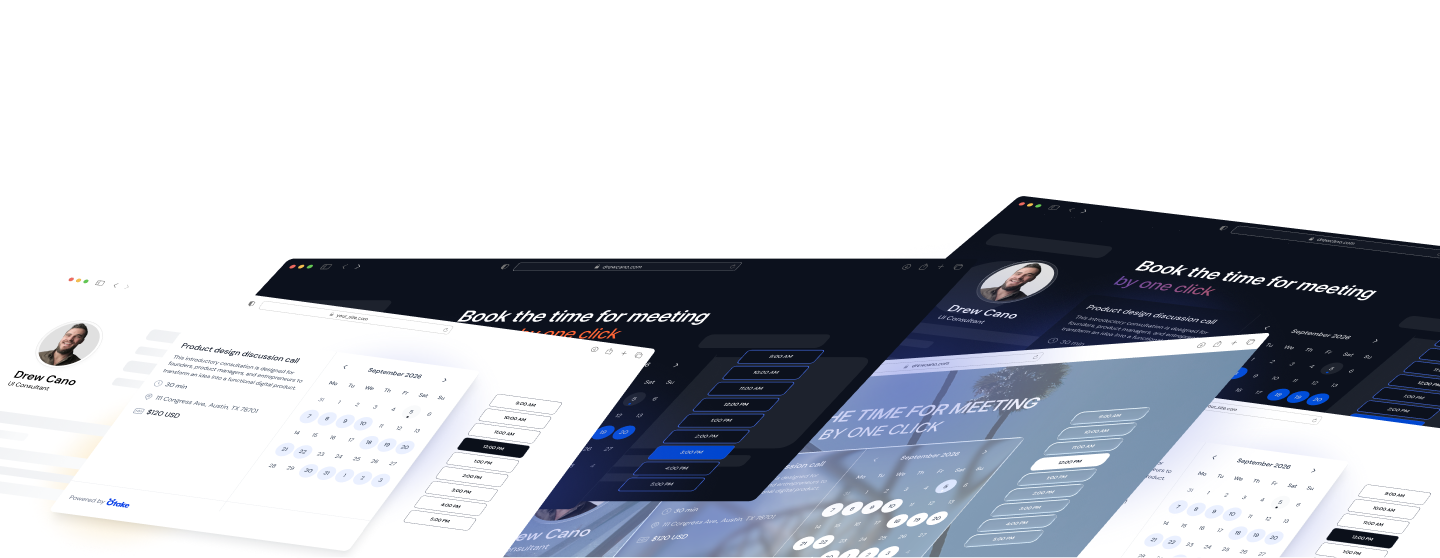
Otake embedded booking previewOtake embedded booking preview

You have to have it.

If you network, if you freelance, if you run a business, if you give a damn about first impressions - you need Otake.

Otake uses Google Sign-In to create and securely access your account.

Quick links

Otake uses Google Sign-In to create and securely access your account.

Terms and conditionsPrivacy policy©2026 Otake Inc. All rights reserved