
Open Otake AI
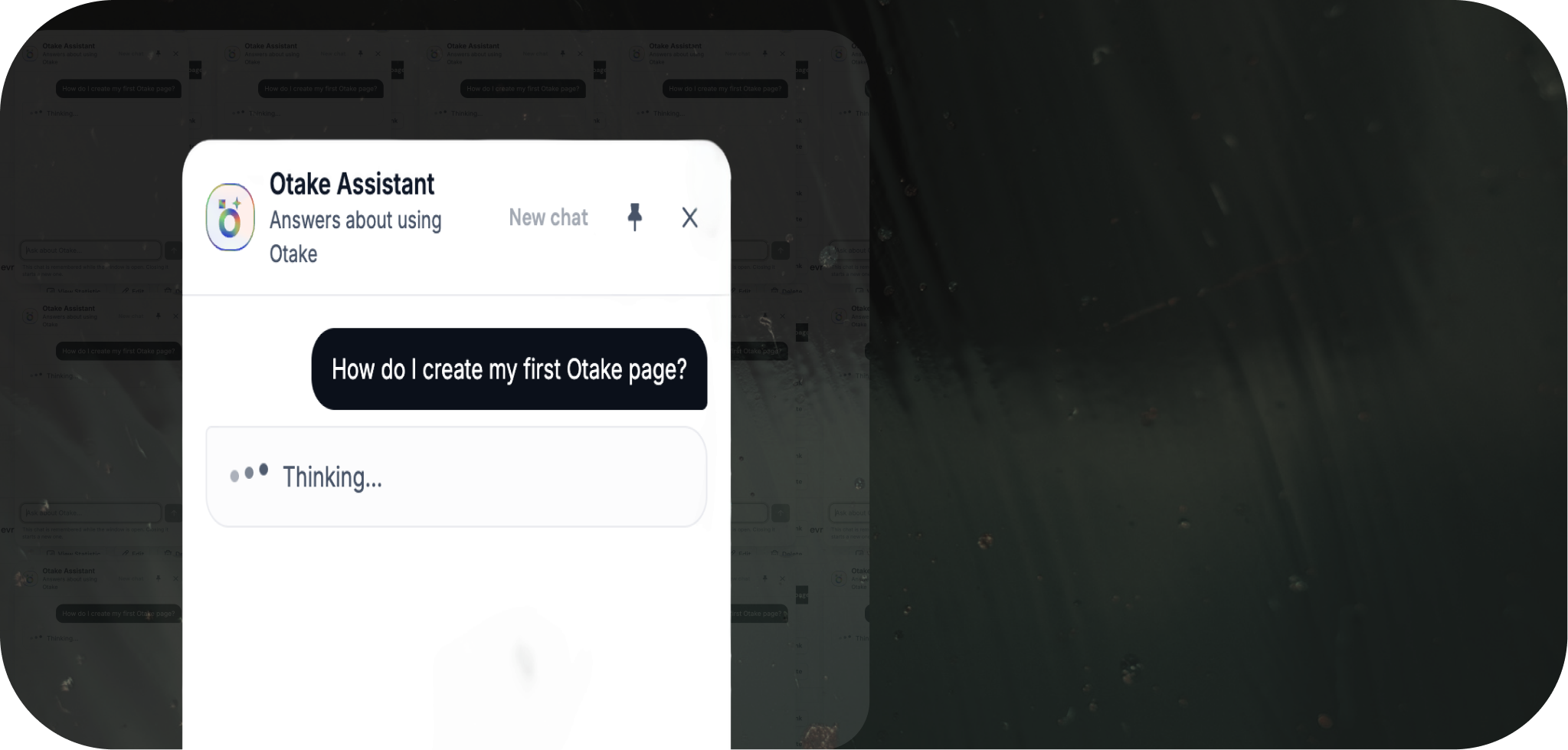
Open the assistant on the site.
help with everything
Not sure how to create a page or enable Booking? Ask Otake AI for an explanation and a place to start.
No account needed to ask.
Not sure how to create a page or enable Booking? Ask Otake AI for an explanation and a place to start.
Get help with your first steps in Otake.
Find out how to let people book time with you.
Learn how to share your Otake page with the people you want to reach.

Open the assistant on the site.
Tell it what you want to do in Otake.

Use the answer to find your next step.

You can ask without an account. To create or manage a page, you’ll need to sign up.
Open the assistant on the site.
Tell it what you want to do in Otake.
Use the answer to find your next step.
You can ask without an account. To create or manage a page, you’ll need to sign up.


We’re building more ways for AI to help you in Otake. Follow our updates to see what’s next.
They visit your Otake profile, choose an event type, pick an available time slot, fill in their contact details, and pay (if you've set a price). A confirmation email goes out to both of you automatically.
Yes. Set a price for any event type and clients pay when they book. Free event types work too.
Payments go through Stripe and are paid out to your connected account on Stripe's regular payout schedule.
You both get a notification, the time slot becomes available again, and any refund follows the rules you set for the event.
No. You can use Booking without Google. Connect Google Calendar only if you want your events to sync.